Tab Audio Router
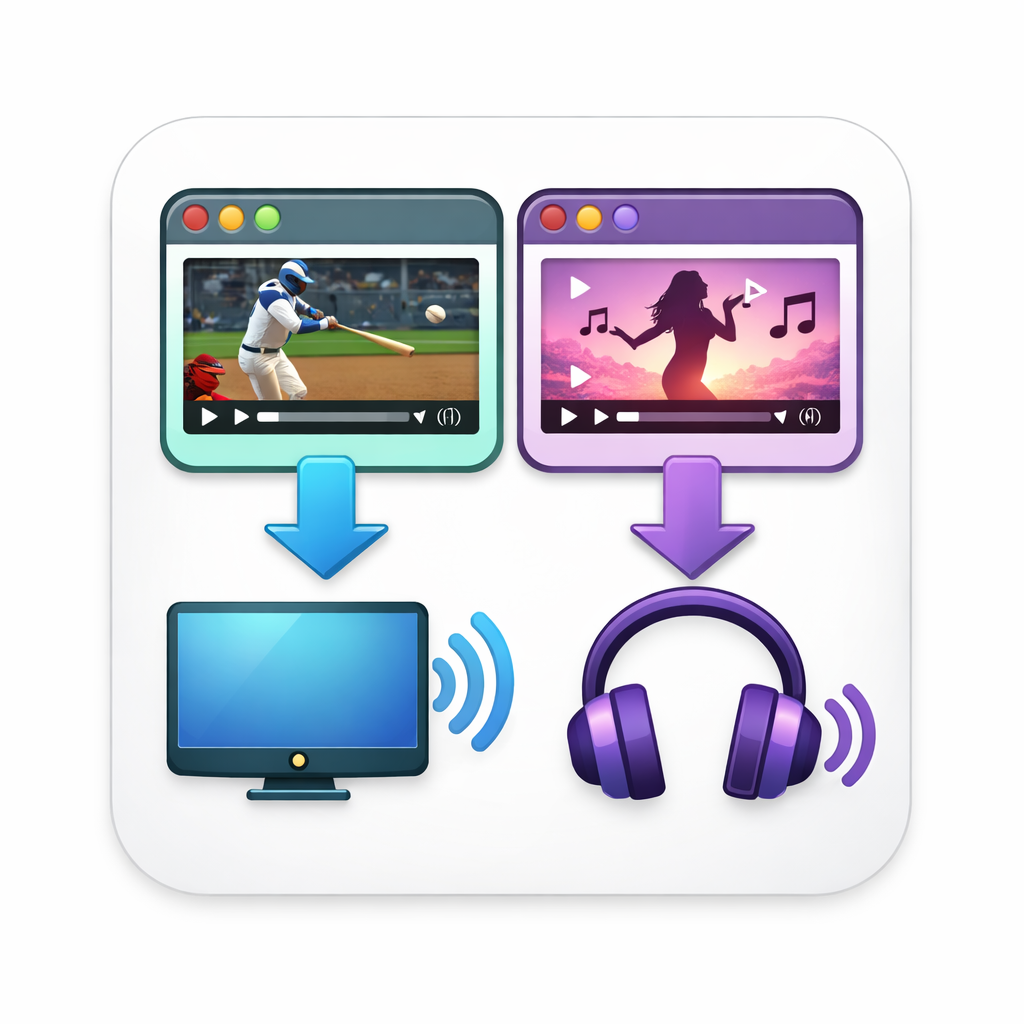
Send each browser tab’s audio to a different device on Mac.
Example: YouTube → TV, Zoom → Headphones.
Why this exists
macOS + browsers don’t let you easily control audio per tab.
This fixes that — right from the right-click menu.
How it works
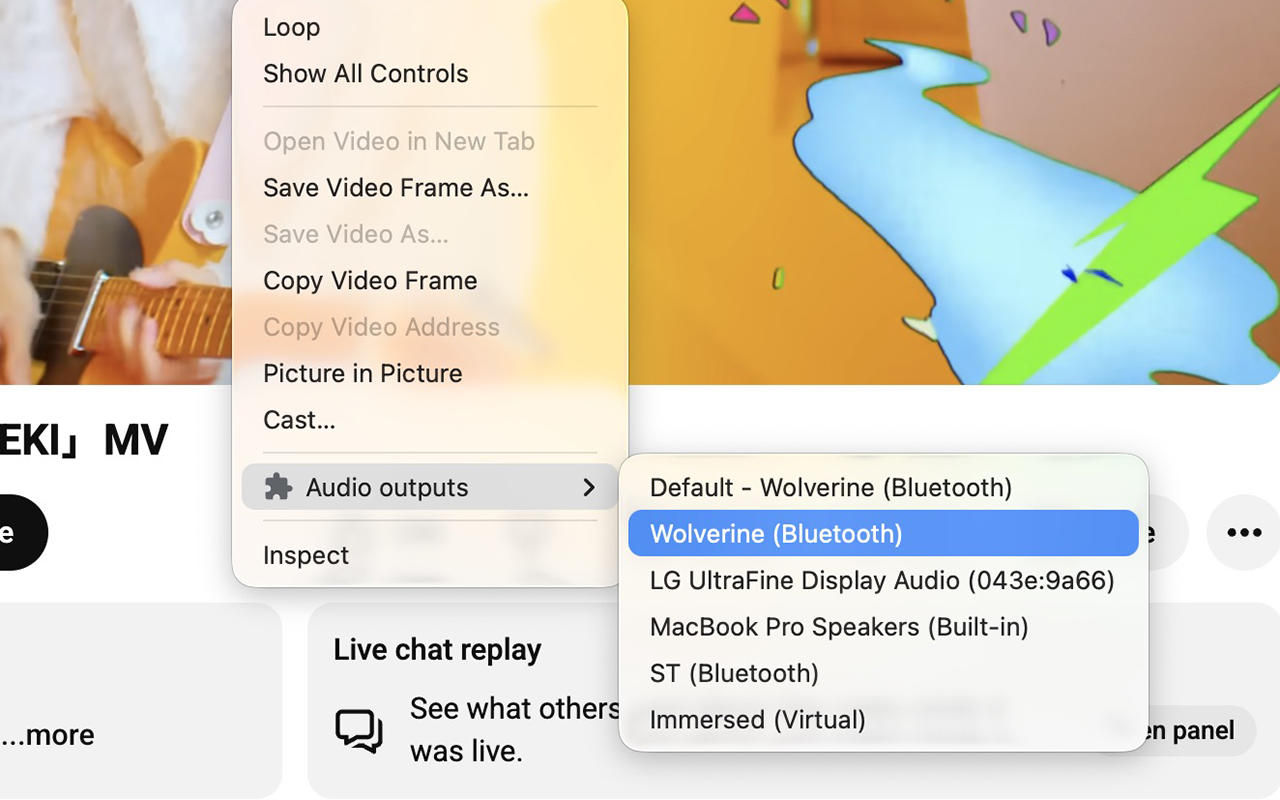
- May ask for microphone access so Chromium can label output devices (
enumerateDevices). - Right-click the video or audio element.
- Open Audio outputs → Choose output… and pick a device in the on-page list, or use Use system default.
- Done — that player now uses the output you chose.
What you can do
- 🎧 Zoom in headphones, music on speakers
- 📺 Send a tab to your TV while working on laptop audio
- 🔀 Run multiple tabs with different outputs
Install (30 seconds)
- Download / clone this repo
- Go to
chrome://extensions - Enable Developer Mode
- Click Load unpacked → select this folder
Limitations (important)
- Only works on sites using standard
<audio>/<video> - Some apps (Zoom web, Spotify web) may not route correctly
- Chromium browsers only (Chrome, Arc, Brave, Edge)
Status
Early tool. Works well on common sites, not universal yet.
Tested on:
- Chrome — macOS
- Chrome — Windows
- Edge — Windows
- Brave — macOS
- Arc — macOS - Version 1.143.2 (79250) Chromium Engine Version 147.0.7727.102
- Chromium — Linux